
Opening your link
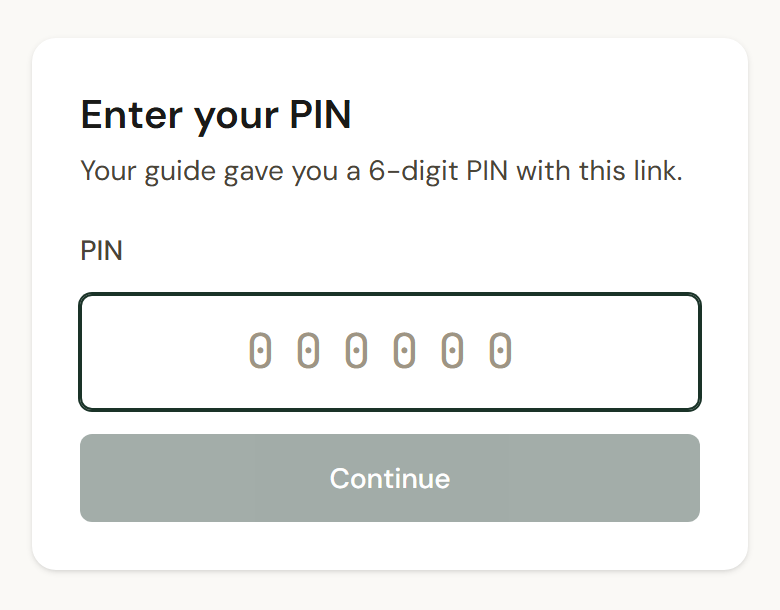
Open the link on your phone. The page says Enter your PIN. Type the six digits your guide gave you and tap Continue. The tour opens.
You do not need an account, an email address or a password. The link and the PIN together are your sign-in, and they are yours alone: do not pass them on.
Coming back later
Section titled “Coming back later”You stay signed in on that phone. If you are ever signed out, open the same link and enter the same PIN again. Keep the message your guide sent.
If the guide puts you on another tour, you do not get a new link. The new tour simply appears when you open the app.
On your home screen
Section titled “On your home screen”The app can sit on your home screen like any other. On an iPhone: open your link in Safari and sign in, tap Share, then Add to Home Screen. Then, still in Safari, open the menu, choose Use on home screen, and copy the code it shows. Open the app from your home screen, tap Paste, then Sign in. The code works once, for five minutes.
If it says something else
Section titled “If it says something else”- That PIN is not right — 4 attempts left. Check the digits with your guide’s message.
- Too many wrong PINs. Try again in 15 minutes. The link is locked for a while and unlocks by itself. Each further run of wrong PINs locks it for longer. If you cannot wait, ask your guide for a new link.
- This link is no longer active — ask your guide for a new one. The guide has made you a new link, or removed you from their tours. The old one is dead either way.
- Switch to your tour-manager access? The phone is already signed in to G-3 Operations as someone else, perhaps your own guide account. Tap Switch account.
- Something went wrong. Check your connection and try again. Bad signal.