
Opening your link
Tap the link, type the PIN your guide gave you, tap Open driver view. That is all.
The link opens in your phone’s browser. No app to install, no account to make.
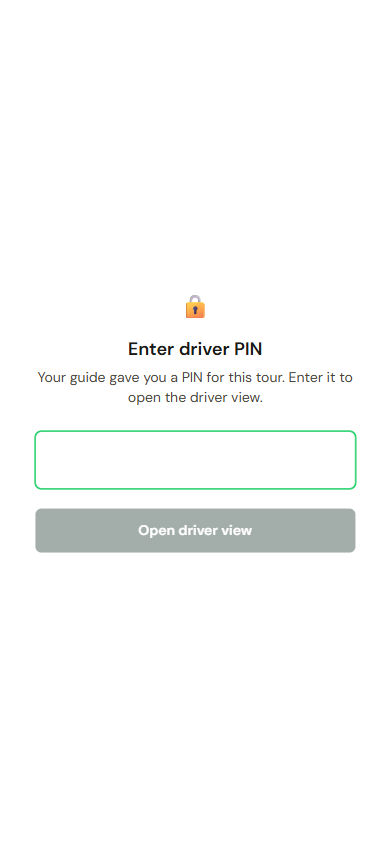
The PIN
Section titled “The PIN”The screen says Enter driver PIN. The PIN is four to eight digits. Your guide gives it to you in the same message as the link, or in person. It is never in the link itself.
Once it has accepted the PIN, your phone remembers it. You will not be asked again unless the guide changes the PIN or revokes the link.
If it says something else
Section titled “If it says something else”- Incorrect PIN. Check it and try again. Ask the guide to read the PIN out again.
- Too many attempts. Please wait a few minutes and try again. Wait, then try once, carefully.
- No PIN has been set for this tour yet. Ask your guide. The guide has not set a PIN. Only they can.
- This driver link has expired. The tour’s last day has passed. Ask the guide for a fresh link.
- This driver session is no longer active. The guide has revoked the link or changed the PIN. Ask for the new one, then tap Enter PIN.
- This tour is no longer available. The tour has been removed. Ask your guide.
- Couldn’t reach the server. Bad signal. Try again when you have one bar more.
When the link stops working
Section titled “When the link stops working”Links expire on their own the day after the last dated day of the tour. Nothing you did.