Templates and the archive
Leave a tour’s start date empty and it is a template. Archive a tour when it is done. Both stay out of your Upcoming list.
Templates
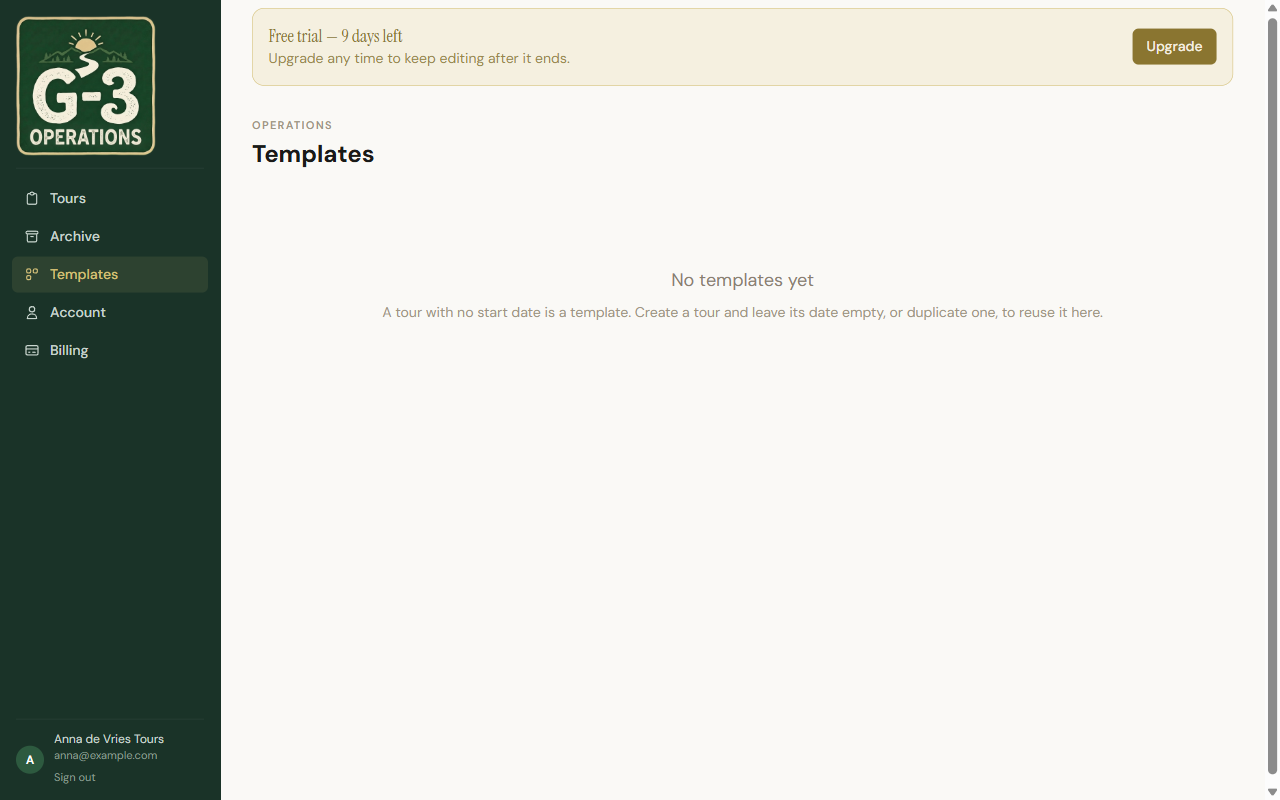
Section titled “Templates”A template is a normal tour with no start date. Build the standard version of a day once, undated, and it appears on the Templates page, sorted into Single-day templates and Multi-day templates.
Create tour from template on a template’s menu asks for a Start date, a client and the vehicle, and makes a dated, editable copy. The template stays as it was.
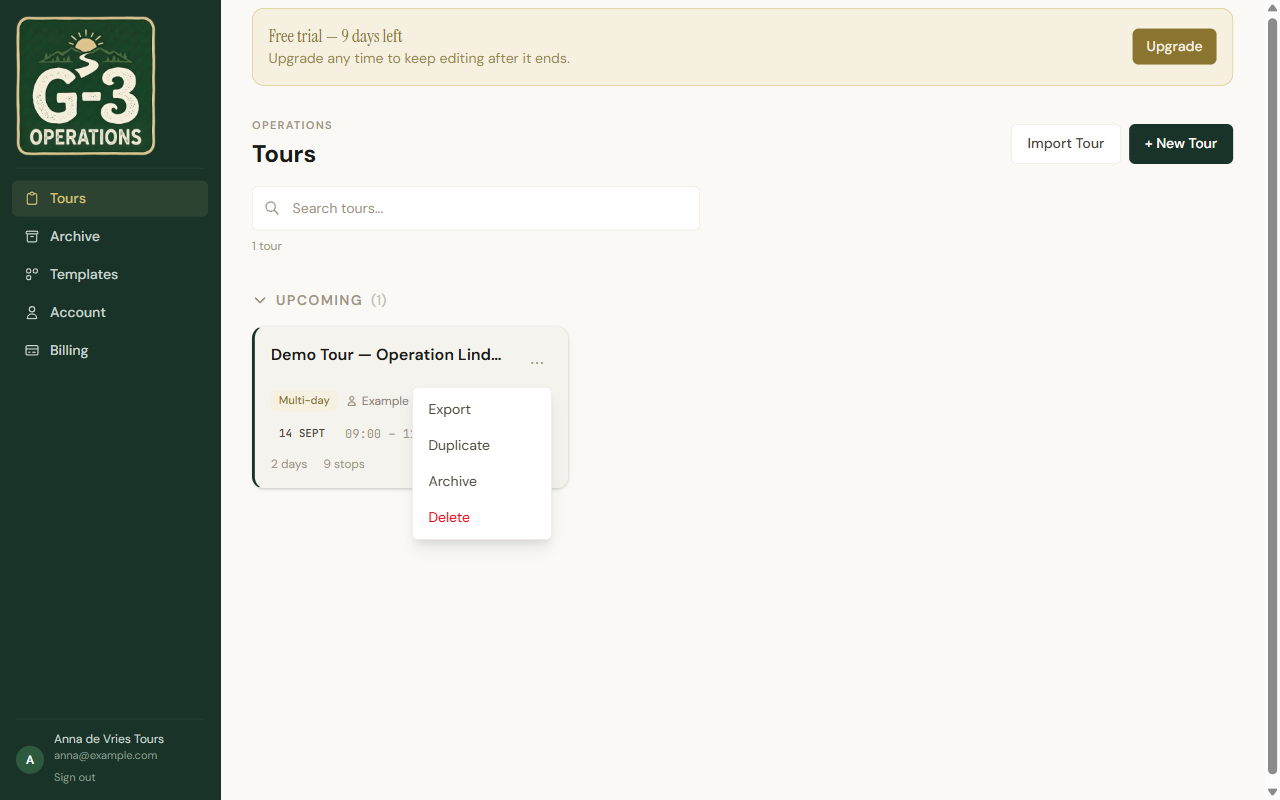
Duplicate on any tour makes a copy in place. Duplicate a dated tour and remove the date to turn it into a template.
Reusing a day
Section titled “Reusing a day”A day is often the unit you actually reuse: the Normandy beaches day, the Ypres day. Two items in the Day menu handle that.
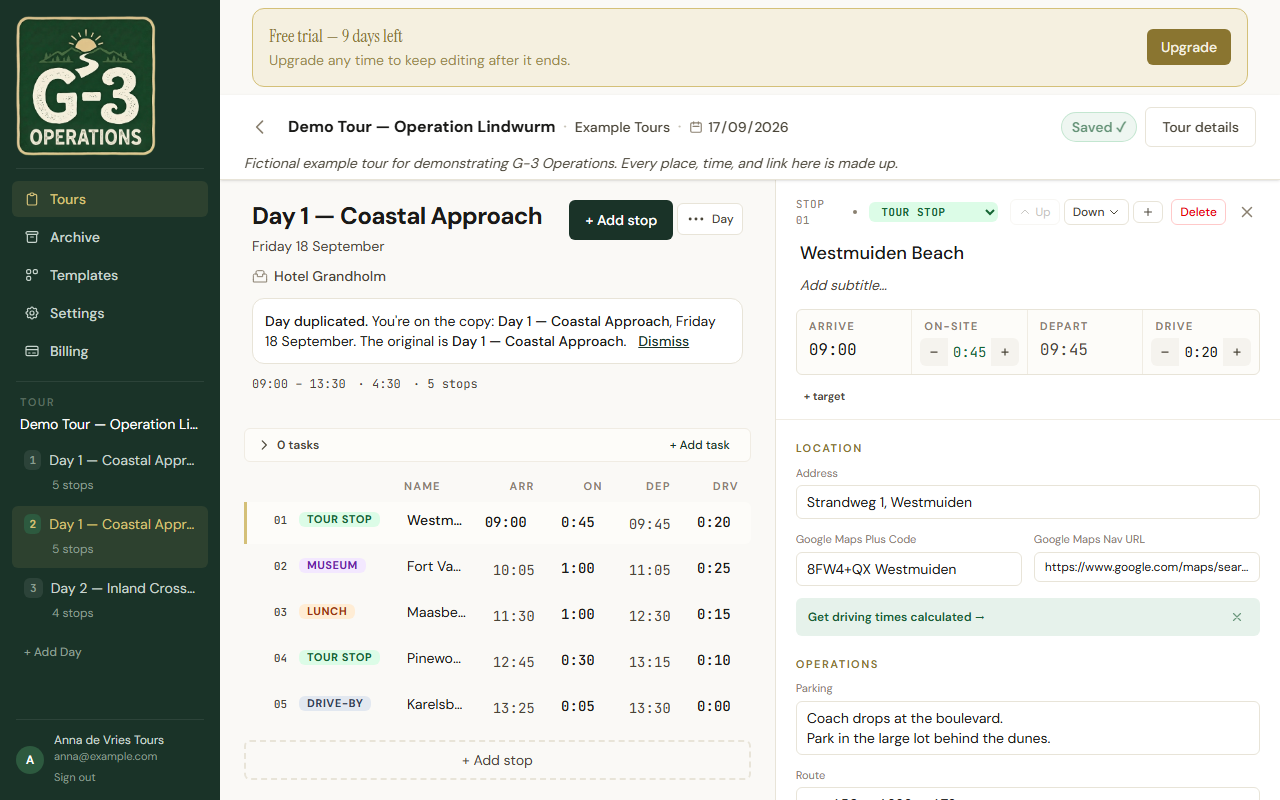
Duplicate day inserts a copy immediately after the day you are on, with the same title, stops, times, tasks and driver actions. The app switches to the copy and says so: Day duplicated. You’re on the copy. Duplicating the only day of a single-day tour turns it into a multi-day tour.
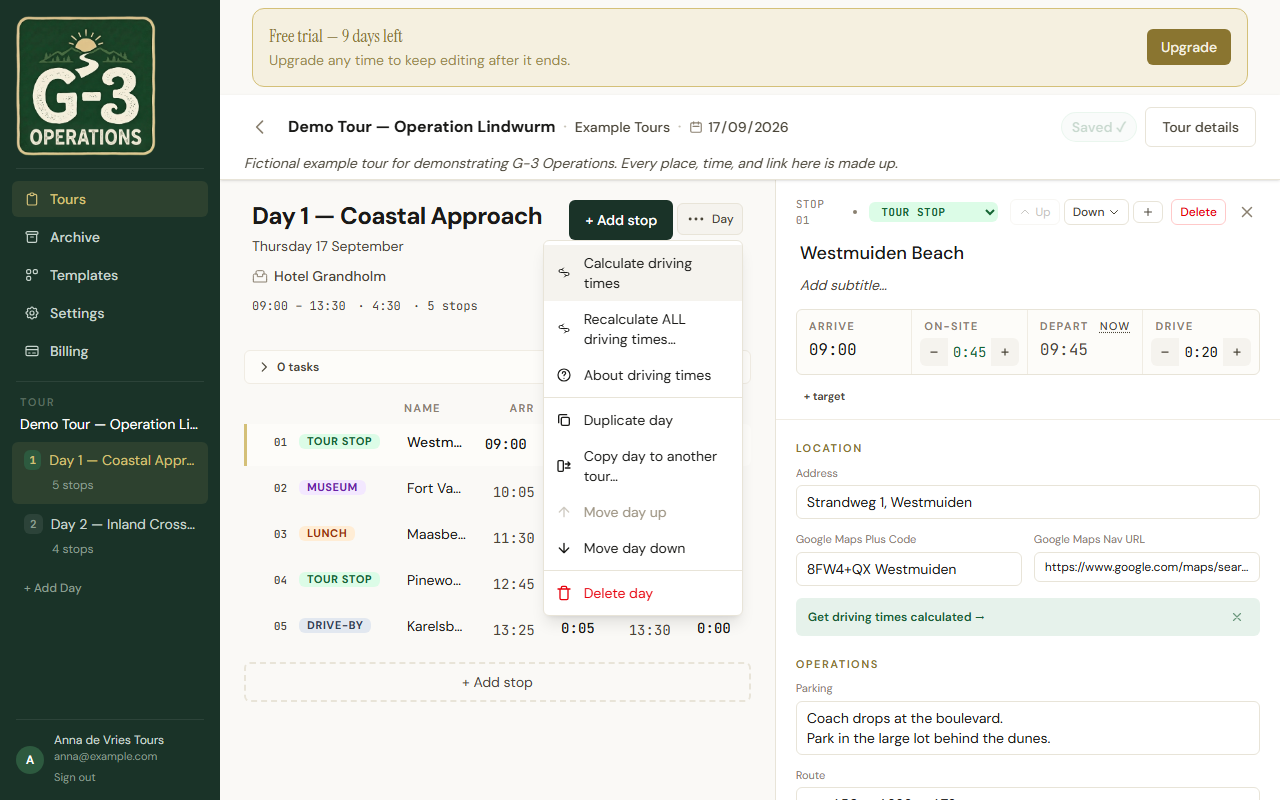
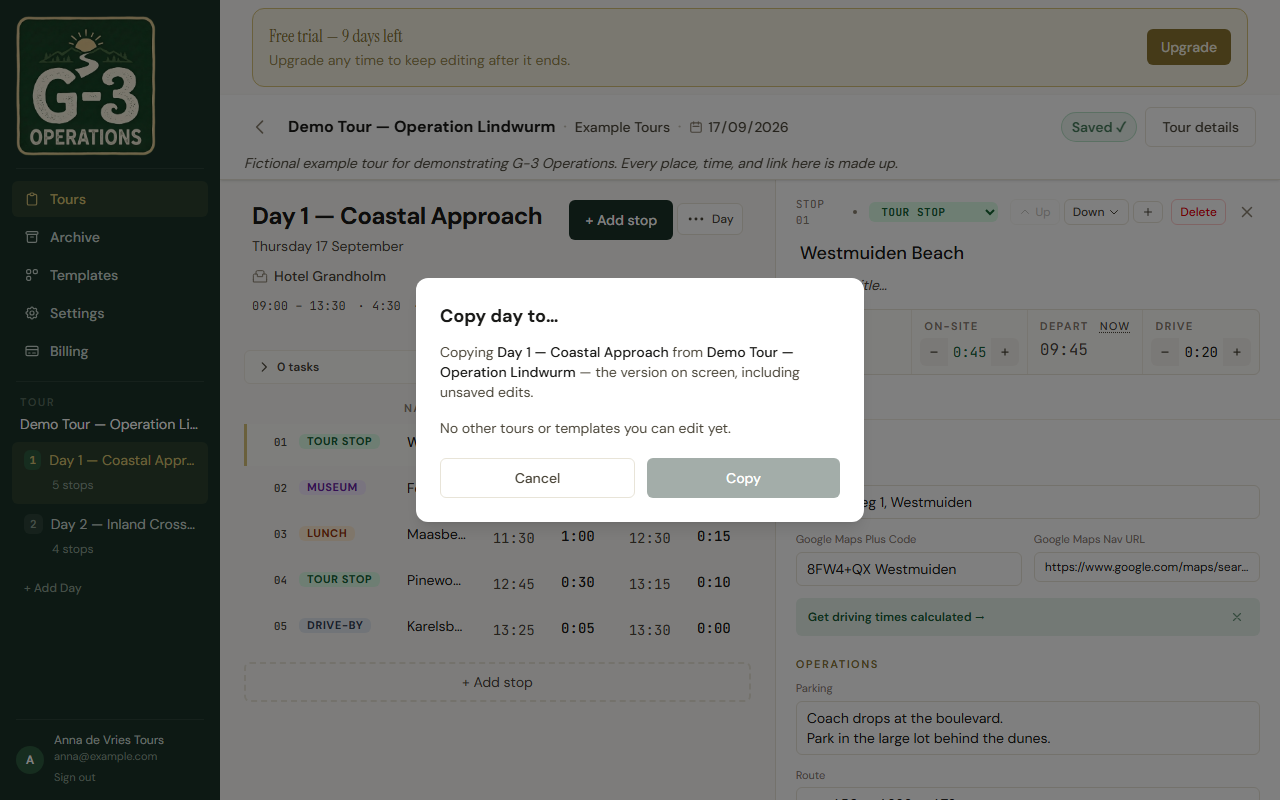
Copy day to another tour… opens a list of your templates and tours, with a filter box. Pick one, tap Copy, and the day is added to that tour. The dialog confirms Copied to and offers Open. What is copied is the day as it is on your screen, unsaved edits included. With nothing to copy to, the dialog says so: No other tours or templates you can edit yet.
Copying to another tour needs a connection, and the target must be a tour you can edit. If you see Open … once to update it, then try again, that tour has never been opened on this device: open it, come back, copy again.
Neither action touches the original day.
The archive
Section titled “The archive”Archive on a tour’s menu asks Archive “…”? Driver links stop working and tour managers lose access to this tour. You can restore it later, but you will need to share it again, then moves it to the Archive page, newest first. Restore brings it back. For a template the question is shorter, because a template has nothing shared.
Archived tours keep their stops, days and spreadsheet Export. Their sharing does not come back with them: after Restore, make new driver links and add the tour managers again. A tour manager keeps their link for any other tour of yours they are on.
Deleting
Section titled “Deleting”Delete is permanent and asks first: This cannot be undone. Only the account owner sees it; a tour manager or team member can archive but not delete.
Search
Section titled “Search”Each page has its own search box: Search tours…, Search templates…, Search archive…. Section headers collapse, with a count.